
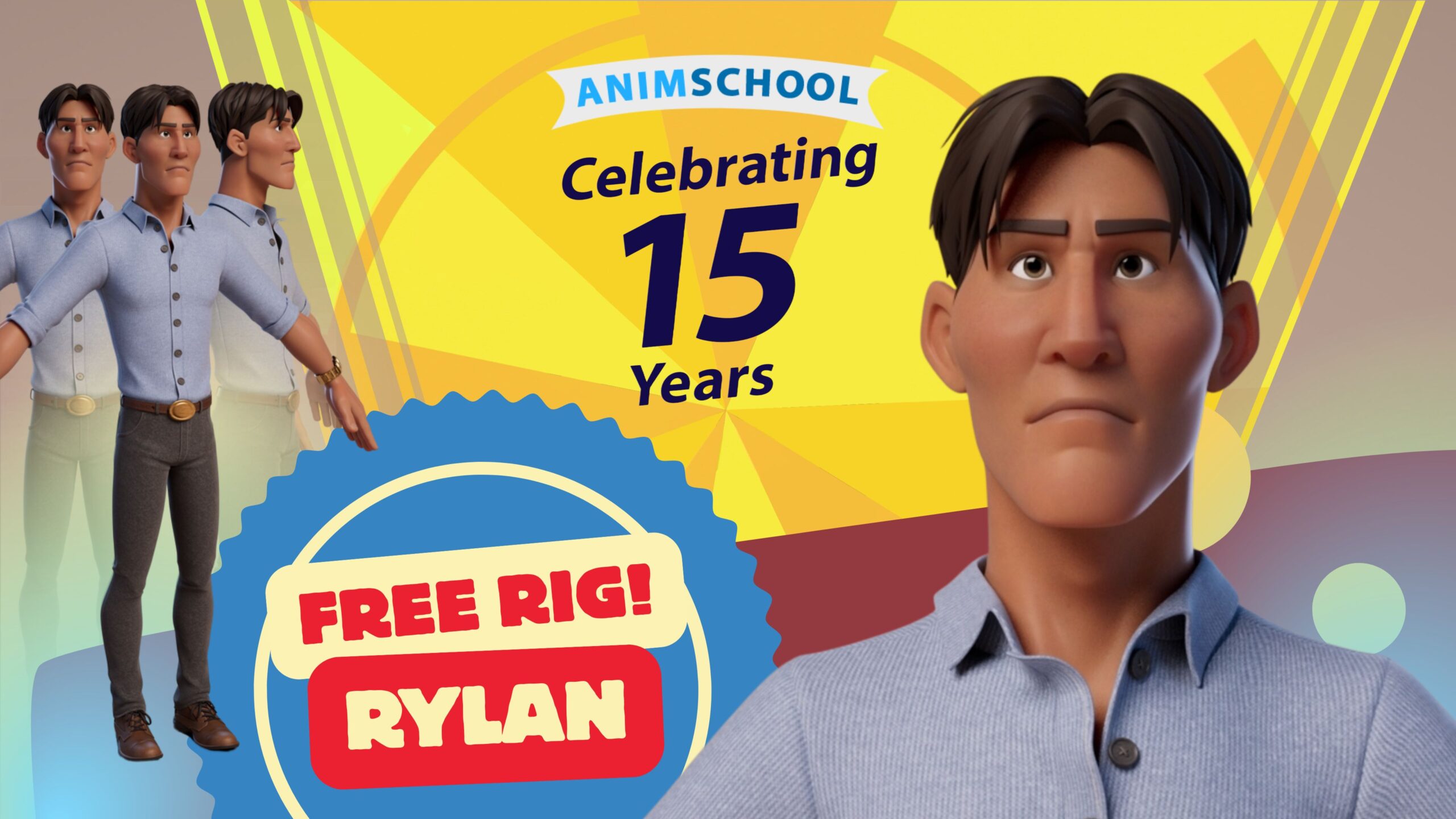
Description
(Maya 2017 and higher)
Be sure to REFERENCE the file in to your set (NOT import).
First: Install AnimSchoolPicker.
rylanBody Picker – Body
rylanFace Picker – Face
RylanTexures Picker – Textures
Place the rylan.ma file in a known location.
Reference the file rylan.ma. File>Create Reference. Point it to the rylan.ma file
Now open AnimSchoolPicker and the picker files to select the controls.
If that doesn’t fix it: Next, assuming Parallel execution mode is on, try turning on or off GPU Override:
Settings/Preferences>Settings>Animation>Evaluation>GPU Override
Next try: Viewport, Renderer>Viewport 2.0 Options, Turn off Consolidate World.
If that doesn’t help, change Settings/Preferences>Settings>Animation>Evaluation Mode to DG instead of Parallel. That will make the scene playback slower but normally solves all rig crashing issues because Maya is no longer trying to multi-thread the rig calculations.
Note: the public version NOW includes the full outfits for the scientist and cowboy villain. Those used to be exclusively for students and original crowdfund backers but are now for the public as well.